Guides › Getting started
How practice trading works
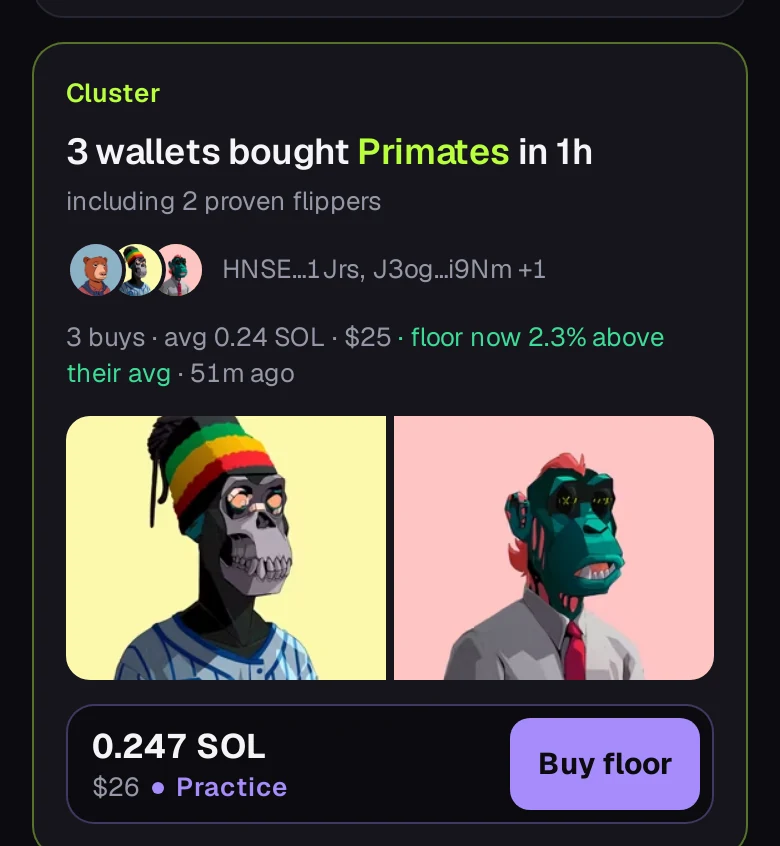
Practice mode uses simulated money at live prices. It needs no wallet and no sign-up, and it's what you get until you sign in or connect one. Practice is purple: the buy bar's border, its Buy button and the "Practice" marker next to the price. Your positions are kept on this device; sign in and they move to your account.
- Find a buy you like on the feed's Buys tab and tap Buy floor (the bar says Practice in purple).
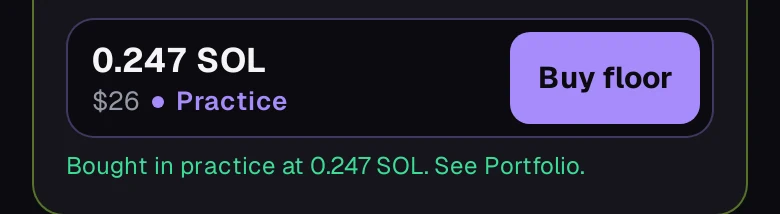
- FloorFeed records one NFT bought at that collection's current floor. A line under the button confirms the price you got.
- Open Portfolio to watch the position. Open positions are marked at what you'd get selling now.
- Tap Sell when you're done. The profit or loss is locked in, after fees.