Guides › Getting started
Going real: your wallets
Real mode uses your own wallet. Once you sign in or connect a wallet, Real is the default, and every real buy bar is lime green. You can switch back to Practice on the Portfolio tab.
- Connect one you have
- Phantom, Solflare or Backpack for Solana; MetaMask, Rabby, Coinbase Wallet and other browser wallets for Ethereum and its networks.
- Or get one with FloorFeed
- Sign in with any email address, or with Google, X or Discord, and you get a Solana wallet and an Ethereum wallet, secured by Privy. Nothing to install.
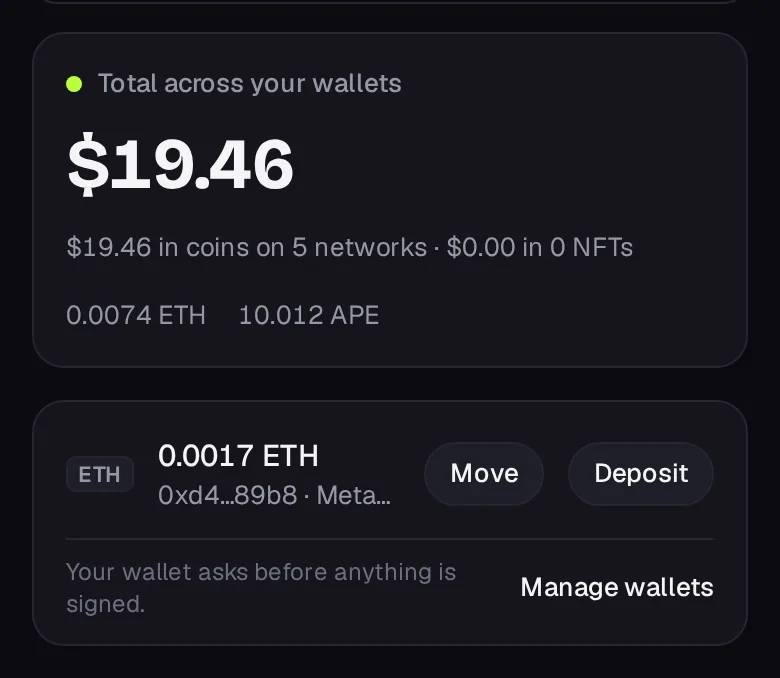
If you have both, a connected extension wins. The Portfolio shows the total across your wallets in dollars, each wallet with its balance, and Move and Deposit buttons.